

Client Relationship Management Tools: A Practical Guide for SaaS Founders
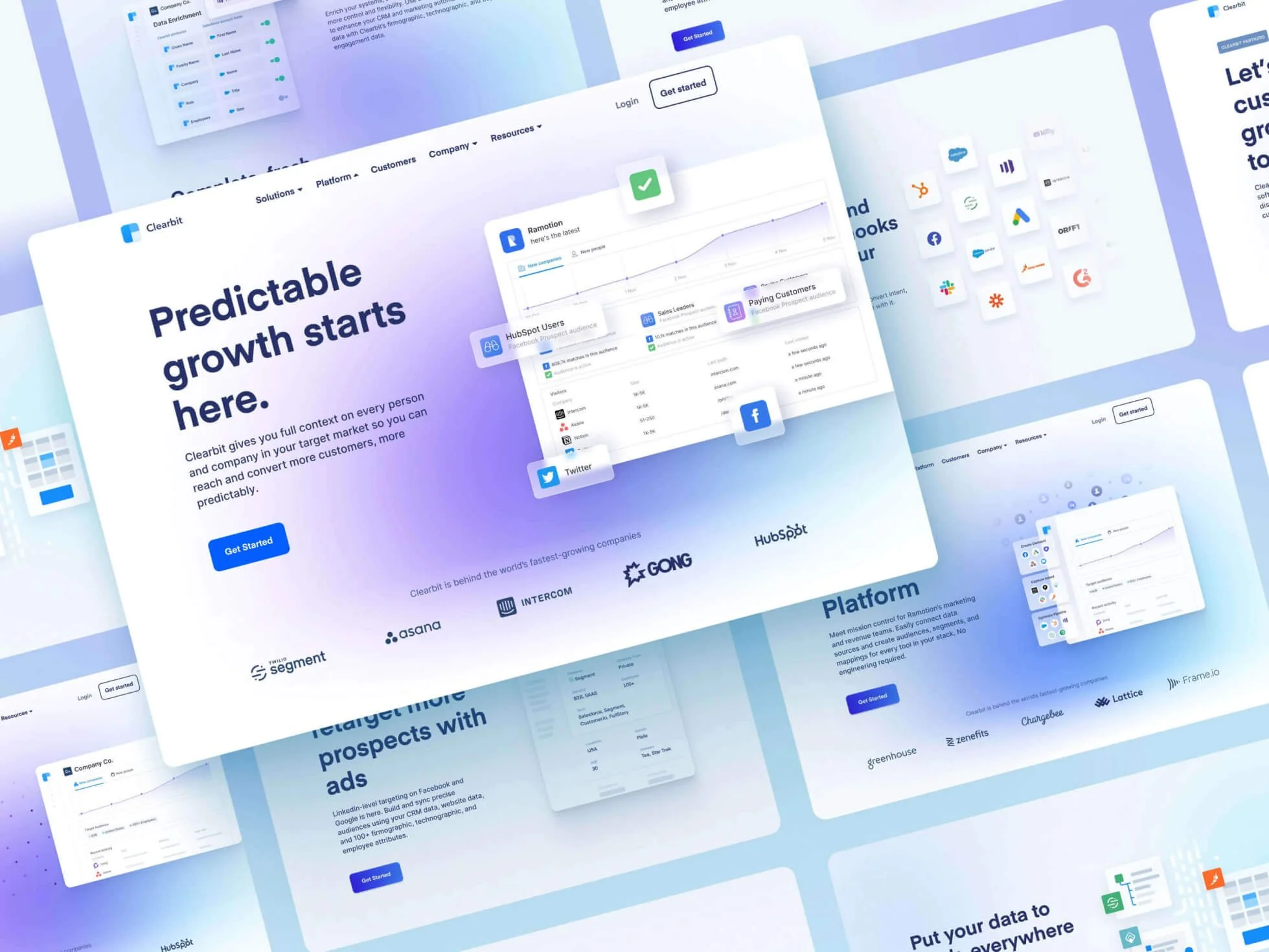
For a growing SaaS company, choosing the right client relationship management tools can be the difference between a product that retains customers and one that slowly leaks revenue through churn.
Founders who pick the right systems early on will often see faster onboarding, clearer product-market fit signals, and smoother expansion motion—without drowning the team in admin work.
What Are Client Relationship Management Tools?
Client relationship management tools are software systems that help businesses manage interactions with prospects and existing customers across sales, support, and success functions. At a basic level they store contact details and communication history. At a more advanced level they automate onboarding, track product usage, power churn-predictive models, and route the right tasks to the right people.
There are different flavors of these tools—traditional CRMs focused on sales pipelines, customer success platforms centered on retention and health scoring, helpdesk systems for ticketing, and hybrid platforms that try to cover multiple needs. For SaaS startups, the goal is not to collect features for their own sake but to pick a stack that maps to the ways they acquire, activate, and grow customers.
Why Client Relationship Management Tools Matter for SaaS Startups
SaaS economics rely heavily on retention. A small improvement in customer retention or expansion rates compounds quickly into significant revenue growth. Client relationship management tools enable that improvement by:
- Reducing churn through proactive health monitoring and timely interventions.
- Improving onboarding and time-to-value with automated flows and task reminders.
- Enabling data-driven decisions by consolidating product usage, support interactions, and revenue data.
- Scaling personalized outreach using segmentation and automation instead of manual spreadsheets.
- Aligning cross-functional teams (sales, success, support, product) around a single source of truth about the customer.
For founders in their 20s to 40s launching or scaling a SaaS product, client relationship management tools provide the infrastructure to grow without sacrificing customer experience.
Core Features to Prioritize
Not every feature will be important at every stage. Still, the following capabilities are high-value for most SaaS startups and should be weighed when evaluating tools:
- Contact and account management — central repository of contacts, companies, relationships, and tags.
- Activity timeline — complete history of emails, calls, product events, and support tickets tied to accounts.
- Segmentation and lists — create dynamic segments by product usage, plan, ARR, or engagement to target outreach or campaigns.
- Automation and workflows — triggers for onboarding sequences, renewal reminders, or escalation paths when health drops.
- Customer health scoring — combine product metrics, support signals, and financials to prioritize accounts.
- Integrations and API — connect with billing (Stripe, Chargebee), product analytics (Mixpanel, Amplitude), support (Zendesk), and marketing (HubSpot, Mailchimp).
- Reporting and dashboards — LTV, churn, MRR movement, expansion revenue, and funnel analytics.
- Ticketing and knowledge base — for responsive customer support workflows and self-serve resources.
- Security and compliance — data encryption, role-based access, SOC2 or GDPR compliance where applicable.
Types of Client Relationship Management Tools and When to Use Them
Traditional CRMs
Examples: Salesforce, HubSpot CRM, Pipedrive.
Best for startups that need a structured sales pipeline and strong lead management. They shine at managing complex deals and large sales teams, but can be heavy if the primary challenge is customer retention rather than acquisition.
Customer Success Platforms
Examples: Gainsight, Totango, ChurnZero.
These are built around retention: health scores, renewals, onboarding playbooks, and expansion workflows. They're ideal for mid-stage SaaS businesses with established customers and renewal processes. For very early startups they may be overkill until usage data and segment structures mature.
Helpdesk and Support Tools
Examples: Zendesk, Freshdesk, Intercom (support), Help Scout.
Necessary when product complexity or customer expectations make timely support a differentiator. Support tools often include a knowledge base and live chat, and they integrate closely with CRMs and success platforms.
Product-Led Growth and In-App Engagement Tools
Examples: Intercom (messages), Appcues, Pendo.
These focus on in-app messaging, guides, and feature adoption analytics. For PLG startups, they're instrumental in nudging users toward activation and retention without needing human touch at every stage.
All-In-One Platforms
Examples: HubSpot (CRM + marketing), Zoho One.
These provide a broad set of capabilities across sales, marketing, and service. They're attractive to early-stage teams wanting to avoid stitching multiple tools, but trade-offs include depth of specific features and potential vendor lock-in.
How to Evaluate and Choose the Right Tools
When choosing client relationship management tools, founders should apply a pragmatic rubric that reflects immediate needs and future growth. A few guiding questions help:
- What problem must the tool solve today? If onboarding is falling apart, prioritize automation and in-app guidance. If renewals are messy, look for robust renewal workflows and health scoring.
- Can it scale? Will the data model handle thousands of accounts and multiple workspaces? Can it support complex hierarchies like subsidiaries and multiple products?
- How well does it integrate? The value of a CRM multiplies when it connects to billing, product analytics, and support. Check available integrations and API maturity.
- How easy is it to adopt? A powerful tool that nobody uses is worthless. Evaluate UX, admin burden, and the availability of templates or pre-built playbooks.
- What's the total cost of ownership? Consider license costs, implementation services, maintenance, and the time engineers must spend on integrations.
- Does the vendor have startup-friendly terms? Look for usage-based pricing, startup discounts, or incubator partnerships (some vendors work with accelerators to offer credits).
Running a short pilot—3 to 8 weeks—with a defined success metric is often the fastest way to validate a choice. Start with a subset of accounts and a single use case (e.g., onboarding automation). If the pilot produces measurable improvement, expand.
Implementation Roadmap for SaaS Startups
Picking a tool is step one; implementing it the right way is where the impact happens. Here’s a practical roadmap tailored to a startup team of 5–50 people.
Phase 1 — Define Outcomes and Inputs (Week 0–1)
- Identify the top 2 business outcomes (e.g., reduce 30-day churn by 20%, increase onboarding completion to 80%).
- Inventory data sources (billing, product events, support, marketing) and decide what needs to flow into the tool.
- Design a minimal customer data model: accounts, contacts, plan, MRR, activation date, key product events.
Phase 2 — Build a Pilot (Week 2–6)
- Integrate one or two essential systems (billing + product analytics) and ingest a sample of accounts.
- Create a simple health score and a single automated playbook (for example: low engagement triggers an outreach sequence).
- Train 1–2 team members to use the tool and run the pilot on a manageable segment (20–50 accounts).
Phase 3 — Measure and Iterate (Week 6–10)
- Assess pilot outcomes against KPIs: Did engagement improve? Were interventions timely? Was the workload manageable?
- Refine the data model, health score weights, and automation rules based on observed false positives/negatives.
- Document processes and create playbooks for common scenarios (onboarding stuck, billing failure, expansion opportunity).
Phase 4 — Expand and Institutionalize (Week 10+)
- Roll out to broader customer segments and onboard more team members.
- Set up governance: naming conventions, owner responsibilities, and monthly data audits.
- Continue to instrument product events that drive activation and expansion.
CKI inc often recommends this staged approach when guiding startups. It helps teams see real wins fast without attempting a full rip-and-replace of legacy processes.
Customer Health Scoring: A Practical Example
Health scoring is central to most customer success efforts. Here's a simple, actionable formula that a SaaS team can use as a starting point:
- Product Usage (40%): Frequency of key events, active users per account, feature adoption.
- Financial Signals (25%): Payment status, plan tier, MRR trend.
- Support Signals (20%): Open tickets, average response time, satisfaction scores.
- Sentiment (15%): CSAT, NPS responses, recent feedback.
Score each dimension on a 0–100 scale and compute a weighted average. Use thresholds to segment accounts into Healthy, At-Risk, and Critical. For example:
- Healthy: 75–100
- At-Risk: 45–74
- Critical: 0–44
Refine weightings with A/B tests—move the needle where interventions produce measurable change.
Common Playbooks Startups Should Automate
Playbooks translate strategy into repeatable actions. A few high-impact ones for SaaS startups:
- New Trial Onboarding — guide trials through activation milestones with in-app messages, emails, and success manager outreach.
- First 30 Days at Risk — triggers when core metrics fail to meet thresholds (e.g., no key event in 7 days) and assigns a CSM to assist.
- Payment Failure Recovery — automated emails, SMS reminders, and support task creation to prevent involuntary churn.
- Expansion Opportunity — detect upticks in usage or new seats added and route to sales for cross-sell proposals.
- Winback Sequence — tailored offers and outreach to churned customers to reclaim them.
Tooling Stack Examples by Stage
Rather than recommending a one-size-fits-all solution, it's useful to consider stacks by stage:
Pre-Product Market Fit (0–$10k MRR)
- Lightweight CRM: Pipedrive or HubSpot Free
- In-app guidance: Intercom or Appcues (lite)
- Product analytics: product analytics (Mixpanel or Heap (free tiers))
- Billing: Stripe
Product-Market Fit to Scale ($10k–$100k MRR)
- CRM + basic success: HubSpot Starter or Zendesk + Pipedrive
- Customer success tools: ChurnZero or Totango starter features
- Support and knowledge base: Zendesk or Help Scout
- Data warehouse for unified analytics: Snowflake or BigQuery via Stitch/Fivetran
Scaling (> $100k MRR)
- Enterprise-grade CRM: Salesforce or full HubSpot Enterprise
- Customer success platform: Gainsight
- Advanced product analytics and experimentation: Amplitude + Optimizely
- Full observability into revenue: integration between billing, CRM, and data warehouse
These are example trajectories. A startup might swap tools depending on team preferences, engineering capacity, and GTM model.
Integration, Data, and Security Considerations
Integrations and data quality are where client relationship management tools either shine or become a mess. Key considerations:
- Single source of truth: Decide which system will be the canonical source for account and billing data and ensure others sync to it.
- Event taxonomy: Standardize product events (e.g., "account_activated", "api_request_made") so health scoring and automation are reliable.
- Data retention and compliance: Ensure the tool meets SOC2, GDPR, or other regulatory requirements relevant to customers.
- Access control: Use role-based access and audit logs to limit exposure to sensitive customer information.
- Backup and export: Make sure data can be exported easily if the team needs to switch vendors.
Common Mistakes Startups Make and How to Avoid Them
Many startups pick tools that look great in demos but fail in practice. Here’s what to watch for:
- Buying features, not outcomes: Avoid buying because a vendor has a flashy dashboard. Prioritize the features that move KPIs.
- Ignoring adoption: Implementing a tool without a training plan or governance leads to poor adoption. Build playbooks and run short training sprints.
- Over-automating too early: Automation without quality data creates false alerts. Validate signals before automating escalation paths.
- Poor data hygiene: Duplicate accounts, inconsistent naming, and stale fields degrade trust. Schedule routine data audits.
- Not measuring ROI: If a tool isn't tied to measurable outcomes (reduced churn, time saved per ticket), reassess its value after a trial period.
Measuring Success: Which Metrics Matter
Client relationship management tools should move numbers that matter to the business. Primary metrics include:
- Net Revenue Retention (NRR) — measures expansion, contraction, and churn for existing customers.
- Gross Revenue Churn — lost recurring revenue percentage.
- Customer Lifetime Value (LTV) — projected revenue from an average customer.
- Customer Acquisition Cost (CAC) — essential for understanding payback period.
- Time to First Value (TTFV) — how long until a customer experiences the core benefit of the product.
- CSAT / NPS — direct measures of customer satisfaction and promoter behavior.
- Activation and retention cohorts — product usage patterns over time.
Track these before and after implementing a tool to establish causal impact. A realistic ROI timeline is usually 3–9 months for most customer success tooling if implemented properly.
How CKI Inc Helps Startups With Client Relationship Management Tools
CKI inc works with both scaling SaaS companies and startups in its incubator. When advising clients on client relationship management tools, CKI takes a pragmatic, growth-focused approach:
- Outcome-first tool selection: They start by defining the business outcomes (e.g., reduce churn by X%) and map tools that directly support those outcomes.
- Rapid pilot methodology: Implement a focused pilot with measurable KPIs so teams see value quickly before committing to broader rollouts.
- Playbook development: CKI builds playbooks for onboarding, escalation, and expansion that are tailored to the product and customer segments.
- Data and integrations: They ensure product events, billing data, and support tickets flow into a unified view to power accurate health scoring and automation.
For startups in the CKI incubator, this means access to templates, implementation support, and growth coaching that reduces trial-and-error—saving precious runway and team bandwidth.
Realistic Timeline and Budget Expectations
Startups should plan for both upfront and recurring costs. A conservative breakdown:
- Initial setup: 2–8 weeks for pilot; includes API integration, data model, and basic playbook creation.
- Licensing: Early-stage tools can be free or $50–$200 per seat per month. Enterprise tools often start at hundreds per seat with implementation fees.
- Engineering costs: 1–3 weeks of an engineer's time for integrations, depending on the maturity of the vendor's APIs and the number of systems to connect.
- Ongoing maintenance: Monthly admin and data cleanup, plus occasional playbook updates (few hours per week for a small team).
Budget for roughly $5k–$30k in the first year for tooling, integration, and training for a typical startup depending on ambitions and team size.
Final Advice: Start Small, Think Systemically
Client relationship management tools are powerful but only as good as the processes and data behind them. Founders should:
- Start with one measurable problem and solve it well before expanding.
- Design a minimal data model that supports the most important workflows.
- Invest in documentation and training so the whole team uses the tool consistently.
- Continuously measure impact; be willing to iterate or replace a tool if it doesn't move the needle.
When implemented thoughtfully, client relationship management tools transform customer interactions from reactive firefighting to proactive retention and growth. For startups focused on minimizing churn and maximizing customer lifetime value—especially those working with CKI inc—these systems become the backbone of scalable customer success.
Frequently Asked Questions
What’s the difference between a CRM and a customer success platform?
A CRM typically focuses on sales pipelines, contact management, and lead tracking. A customer success platform centers on retention: health scoring, renewals, onboarding playbooks, and expansion workflows. Many businesses use both or a hybrid approach where the CRM handles the sales motion and the success platform manages post-sale health and expansion.
When should a startup invest in a dedicated customer success tool?
A startup should consider a dedicated tool once it has repeatable revenue and a defined renewal process—often around $10k–$50k MRR depending on customer complexity. Before that, lightweight CRMs and in-app tools plus manual playbooks could suffice. The right time is when the manual approach starts to cause missed renewal opportunities or inconsistent onboarding.
How can a founder justify the cost of these tools to investors?
Link the tool to measurable outcomes: lower churn, higher NRR, faster time-to-value, and reduced support costs. Present a pilot plan with clear KPIs and expected payback period (often 3–9 months) and show how improved retention extends runway and grows ARR efficiently.
Is it okay to switch tools later if needs change?
Yes. Vendors expect churn. To reduce migration pain, maintain clean data practices, have exportable schemas, and treat one system as the canonical source for core records. A staged pilot strategy also helps decide early whether a vendor is a good long-term fit.
How should a startup measure the success of their client relationship management tool implementation?
Define 2–3 primary KPIs before implementation (e.g., 6-month churn rate reduction, increase in onboarding completion rate, or decreased average ticket response time). Track these metrics against baseline, and use cohort analysis to isolate the tool’s impact from seasonal or product changes.
Choosing and implementing the right client relationship management tools is a strategic step for any SaaS founder who wants to grow sustainably. When paired with clear outcomes, strong processes, and consistent data hygiene, these tools turn customer interactions into repeatable revenue engines—exactly what startups need to scale.